
Overview
A recent update improves how Dashboard Reports handle team-based permissions.
With this enhancement:
- Report data is segregated by team
- Users only see projects belonging to their team
- Cross-team data is excluded
- Team scope now controls report visibility
This ensures accurate reporting and prevents unintended data exposure.
🔐 How Team-Based Report Visibility Works
When a user has Project Team-Based Permissions:
- They only see projects assigned to their team
- Dashboard reports automatically filter data
- Cross-team projects are hidden
This behavior applies across all dashboard reporting views.
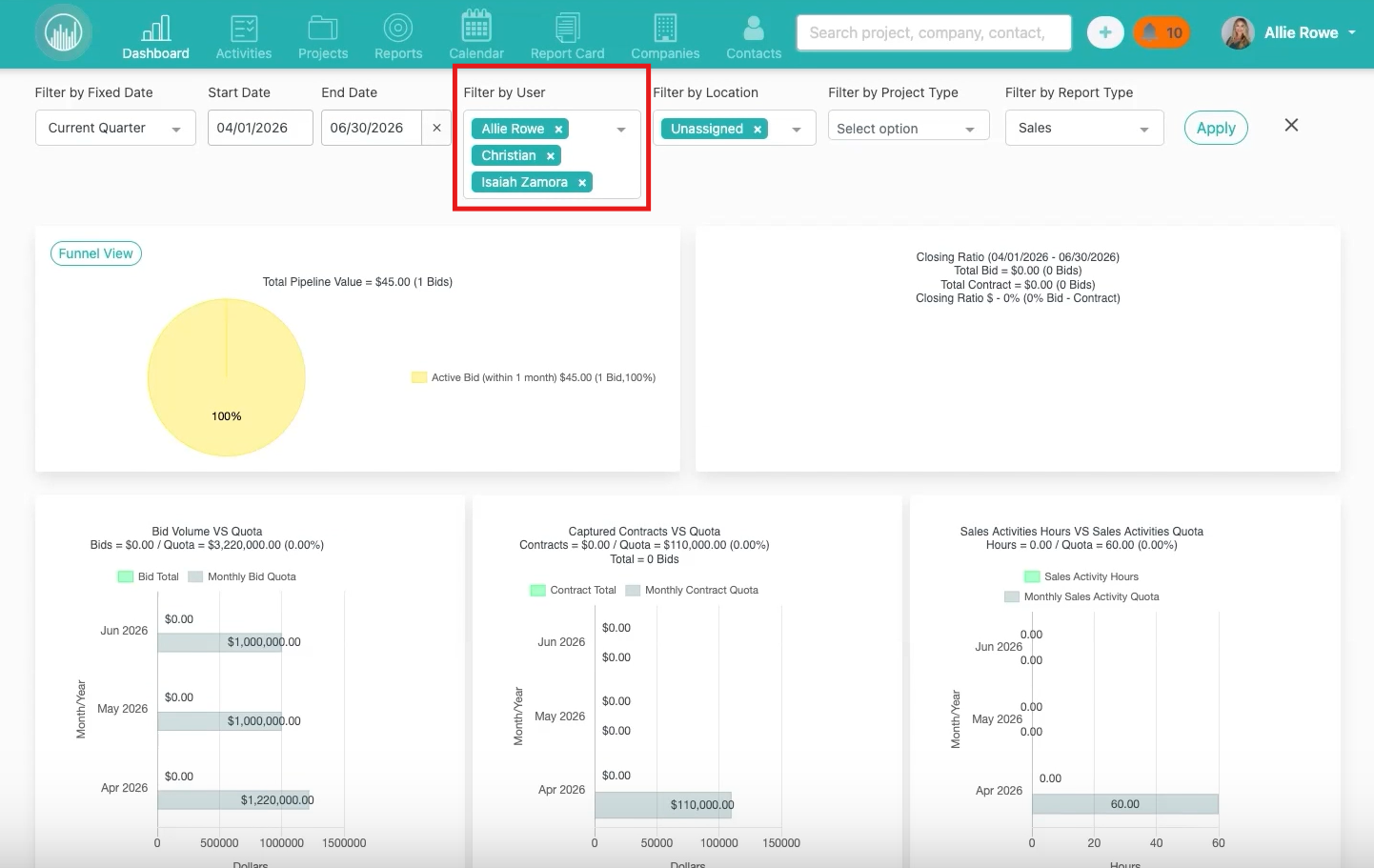
⚠️ Important Behavior Change
Even if:
- A user is manually assigned to a project
- The project belongs to another team
They still will not see that project in dashboard reports.
Team scope now takes precedence over manual assignment.
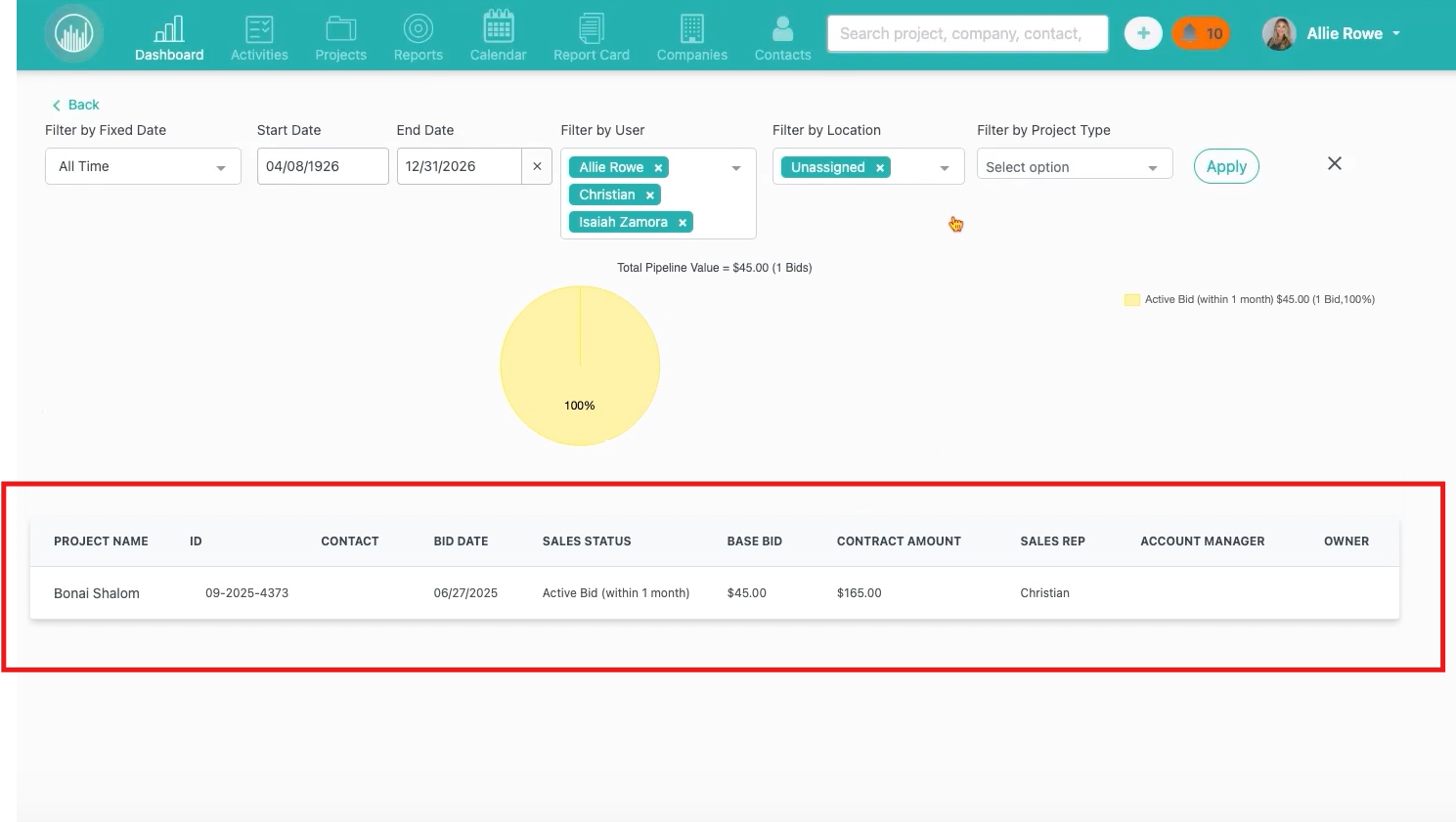
🧭 Example Scenario
- User belongs to Team Office One
- User has team-based project permissions
- User is assigned to a project owned by Team Office Two
Result:
- Dashboard reports show only Team Office One projects
- The Team Office Two project is excluded
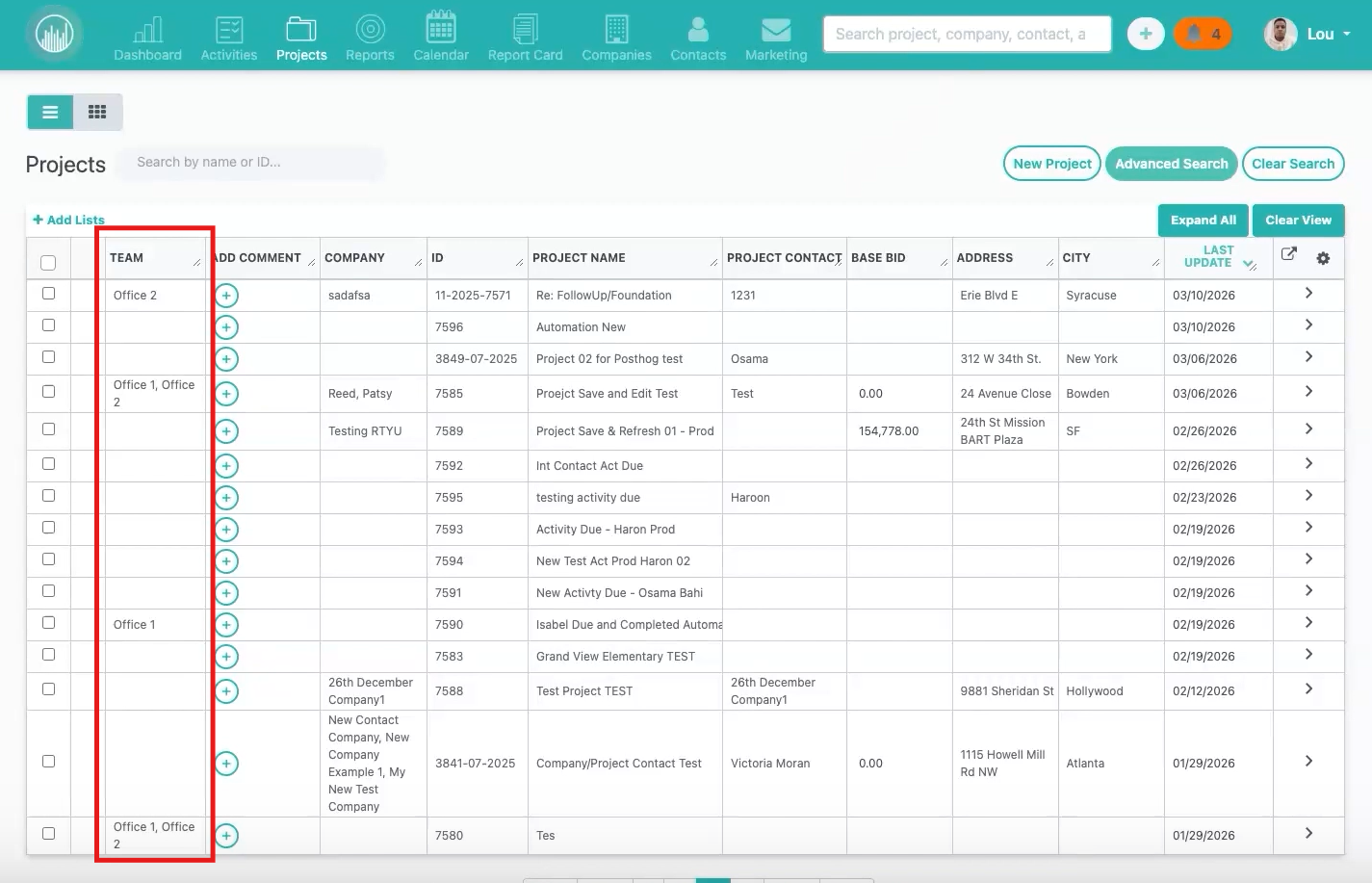
✅ What This Improves
This update:
- Prevents cross-team data visibility
- Aligns reports with permission settings
- Improves data security
- Increases report accuracy
- Builds trust in team-level reporting
🧪 Validation
This behavior was tested across:
- Multiple teams
- Different permission setups
- Various assignment scenarios
Result:
Users with team-based permissions only see their own team’s project data — no cross-team visibility.
✅ Result
After this update:
- Dashboard reports respect team boundaries
- Users only see their team’s data
- Manual assignments do not override team scope
- Reporting aligns with permission intent
Happy Selling!